Mobile Commerce in 2026: Why Your Store Needs WhatsApp Ordering

The way people buy things online has changed permanently. Desktops are no longer the default device for shopping. Tablets have plateaued. The smartphone in your customer’s pocket is the storefront that matters most, and if your WooCommerce store is not built around that reality, you are leaving revenue on the table every single day.
Mobile commerce is not a trend. It is the baseline. And WhatsApp ordering is the missing piece that turns mobile browsing into mobile buying.
The Mobile Commerce Revolution
Mobile commerce, often shortened to m-commerce, refers to any commercial transaction completed through a mobile device. That includes browsing, comparing, adding to cart, and checking out, all from a phone screen.
What started as a convenience has become the dominant mode of online shopping worldwide. In markets across Southeast Asia, Latin America, the Middle East, and Africa, mobile commerce is not just leading. It is practically the only channel that matters for a growing number of consumers.
For WooCommerce store owners, this shift demands a rethinking of the entire purchase journey. The tools, plugins, and workflows that worked well for desktop shoppers often create friction on smaller screens. And friction, as any store owner knows, kills conversions.
According to Statista, mobile commerce is projected to account for over 62% of all e-commerce sales globally in 2026, up from roughly 58% in 2024.
That is not a niche segment. That is the majority of your potential revenue.
Mobile Shopping Behavior in 2026
Understanding how mobile shoppers behave is essential before you can serve them effectively. Mobile shopping sessions look fundamentally different from desktop sessions:
- Sessions are shorter. Mobile users browse in bursts, often during commutes, lunch breaks, or while watching TV. You have seconds to capture attention, not minutes.
- Intent is high but patience is low. A mobile shopper who finds your product through Instagram or a Google search is often ready to buy. But if the process takes too long, they will abandon the cart without a second thought.
- Messaging is the native interaction. People spend the majority of their phone time in messaging apps. Switching from WhatsApp or iMessage to a browser-based checkout feels unnatural and disruptive.
- Autofill and saved data matter. Mobile users hate typing. Any form that asks for more than the bare minimum will see abandonment rates climb.
- Trust signals need to be immediate. On a small screen, there is less room for trust badges, reviews, and reassurance. Buyers need to feel confident quickly or they leave.
These behaviors have been well documented by Google’s mobile-first research, which emphasizes that mobile usability directly impacts both search rankings and conversion rates.
Why Traditional Checkouts Fail on Mobile
The standard WooCommerce checkout was designed for desktop users. Even with responsive themes, the experience on mobile often includes:
- Multi-step forms that require scrolling, zooming, and careful tapping on small input fields
- Account creation prompts that add unnecessary steps before a customer can complete a purchase
- Payment gateway redirects that open new tabs, lose context, and confuse users
- Slow page loads caused by heavy themes, unoptimized images, or too many plugins
- Cart abandonment loops where users add items, get distracted, and never return to complete checkout
The numbers reflect this friction. Mobile cart abandonment rates consistently hover around 80-85%, significantly higher than desktop rates. That gap is not because mobile users are less serious about buying. It is because the buying process is harder on mobile.
If you have already been exploring ways to increase your WooCommerce sales with WhatsApp, you already know that reducing friction is the single most effective lever for boosting revenue.
WhatsApp as a Mobile Commerce Channel
WhatsApp has over 2 billion active users worldwide. In many countries, it is the default communication app, used more than email, SMS, or any social media platform. Here is what makes it uniquely suited for mobile commerce:
Already Installed and Active
You do not need to convince customers to download another app. WhatsApp is already on their phone, already open, already part of their daily routine. There is zero onboarding friction.
Native to Mobile Interaction
Sending a message feels natural on a phone. Filling out a checkout form does not. WhatsApp ordering converts the purchase action from a form submission into a conversation, which is exactly how people prefer to interact on mobile.
Rich Media Support
Customers can send photos of what they want, share their location for delivery, or send voice messages to explain custom requirements. This richness is impossible in a traditional checkout flow.
Built-In Trust
People trust WhatsApp conversations because they feel personal and direct. Talking to a business on WhatsApp feels like talking to a person, not submitting data into a void.
Persistent Context
Unlike a browser session that can be lost, a WhatsApp conversation persists. If a customer gets interrupted, they can pick up exactly where they left off. No abandoned cart. No lost session.
How WhatsApp Ordering Solves Mobile Pain Points
Let us map each mobile checkout problem to its WhatsApp solution:
Problem: Complex checkout forms. WhatsApp solution: The customer taps one button, a pre-formatted message opens with their order details, and they simply hit send. No forms. No fields. No friction.
Problem: Account creation barriers. WhatsApp solution: The customer’s phone number is their identity. No accounts to create, no passwords to remember.
Problem: Payment confusion. WhatsApp solution: Payment terms can be discussed in the conversation. For many markets, cash on delivery or bank transfer is preferred anyway, and WhatsApp makes coordinating these payment methods simple.
Problem: Slow page loads. WhatsApp solution: The ordering action moves off your website and into a native app that loads instantly, regardless of the customer’s connection speed.
Problem: Cart abandonment. WhatsApp solution: Once a customer sends a message, you have a direct line to follow up. Unlike an abandoned cart email that might go to spam, a WhatsApp message has a 98% open rate.
For a detailed walkthrough of setting up this exact flow, see our guide on WooCommerce WhatsApp button setup.
Implementing WhatsApp for Mobile Shoppers
Getting WhatsApp ordering working on your WooCommerce store involves a few key steps:
1. Install QuickOrder for WhatsApp
QuickOrder for WhatsApp is a WooCommerce plugin that adds a WhatsApp order button to your product pages and cart. When a customer taps the button on their phone, WhatsApp opens with a pre-filled message containing their order details.
The setup takes minutes, not hours. No coding required.
2. Configure the Order Message Template
Customize the message template to include the information you need: product name, quantity, selected variations, and any custom fields. The goal is to make the message complete enough that you can process the order without back-and-forth.
3. Set Up Your WhatsApp Business Profile
Use WhatsApp Business (free) or the WhatsApp Business API for higher volume. Fill out your business profile completely: name, description, address, hours, and catalog if applicable.
4. Create a Response Workflow
When an order message arrives, you need a clear process: confirm the order, confirm payment terms, provide delivery estimates, and send tracking information. Define this workflow before you launch.
5. Test on Multiple Devices
Test the entire flow on various phones and screen sizes. Tap the button, check that the message formats correctly, and verify that the experience is smooth from start to finish.
For a broader perspective on integrating WhatsApp into your e-commerce operations, our guide on WhatsApp business strategy for e-commerce covers the strategic planning side.
Mobile-First Design Tips
Even with WhatsApp ordering in place, your WooCommerce store needs to support mobile shoppers effectively at every stage before they tap that order button:
Optimize Product Pages for Thumb Navigation
- Place the WhatsApp order button where thumbs naturally reach (bottom third of the screen)
- Use large, tappable buttons with a minimum size of 48x48 pixels
- Keep product images swipeable and fast-loading
Minimize Page Weight
- Compress images using WebP format
- Lazy-load images below the fold
- Reduce plugin bloat; every plugin adds weight
- Use a lightweight, mobile-optimized theme
Simplify Navigation
- Use a clear, collapsible mobile menu
- Keep category structures shallow (no more than 2-3 levels deep)
- Add a sticky header with search and cart access
Prioritize Speed
According to Google’s Core Web Vitals research, pages that load within 2.5 seconds see significantly higher engagement and conversion. Every additional second of load time reduces mobile conversions measurably.
- Use a CDN for static assets
- Enable server-level caching
- Consider a headless or static-first approach for high-traffic stores
Make the WhatsApp Button Prominent
The order button should be impossible to miss on mobile. Consider:
- A floating WhatsApp button that stays visible as the user scrolls
- A sticky bar at the bottom of product pages
- Green color coding that users instinctively associate with WhatsApp
The Case for Conversational Commerce
WhatsApp ordering is part of a larger shift toward conversational commerce, the idea that buying should happen within the natural flow of a conversation rather than through rigid, form-based processes.
This matters for several reasons:
Higher conversion rates. When the path from interest to purchase is a single tap and a message, fewer customers drop off along the way. Stores using WhatsApp ordering regularly report conversion improvements of 15-30% on mobile traffic.
Better customer relationships. Every WhatsApp order starts a conversation. That conversation can lead to upsells, repeat purchases, referrals, and long-term loyalty. A traditional checkout creates a transaction. A conversation creates a relationship.
Lower support costs. When customers can ask questions before ordering (and often in the same message thread), pre-purchase doubts get resolved instantly. Fewer returns, fewer complaints, fewer support tickets.
Market expansion. In regions where formal e-commerce infrastructure is limited, WhatsApp commerce is already the norm. By supporting WhatsApp ordering, you open your store to billions of potential customers who prefer messaging-based transactions.
Competitive advantage. Most WooCommerce stores still rely exclusively on traditional checkout. Offering WhatsApp ordering differentiates your store immediately, especially on mobile where the experience gap is most dramatic.
Conversational commerce is not a future concept. It is happening now, and WhatsApp is the platform driving it forward. To understand why messaging-based buying outperforms traditional checkout, read our in-depth guide on Conversational Commerce in 2026: Why Messaging Beats Traditional Checkout. For a complete overview of WhatsApp-powered selling across all business models, see The Ultimate Guide to WhatsApp Commerce in 2026.
Getting Started
The transition to WhatsApp-powered mobile commerce does not have to be complicated. Here is a practical path forward:
-
Audit your mobile experience today. Open your store on your phone. Try to complete a purchase. Note every point of friction, every unnecessary tap, every moment of confusion.
-
Install QuickOrder for WhatsApp. Add the WhatsApp order button to your product and cart pages. The plugin handles message formatting, product details, and the WhatsApp deep link automatically.
-
Review your pricing plan. Check our pricing options to find the tier that matches your store’s volume and feature needs.
-
Monitor and iterate. Track which products get the most WhatsApp orders. Watch for patterns in customer messages. Use those insights to optimize your product pages, message templates, and response workflows.
-
Expand the channel. Once WhatsApp ordering is working on your product pages, consider adding it to your cart page, your email campaigns, and your social media profiles. The more entry points you create, the more mobile sales you capture.
Mobile commerce in 2026 is not about having a responsive website. It is about meeting customers where they already are, on their phones, in their messaging apps, ready to buy. WhatsApp ordering bridges the gap between browsing and buying in a way that traditional checkout simply cannot match.
The stores that recognize this shift and act on it will capture the mobile majority. The ones that do not will keep wondering why their mobile traffic never converts.
Related Articles
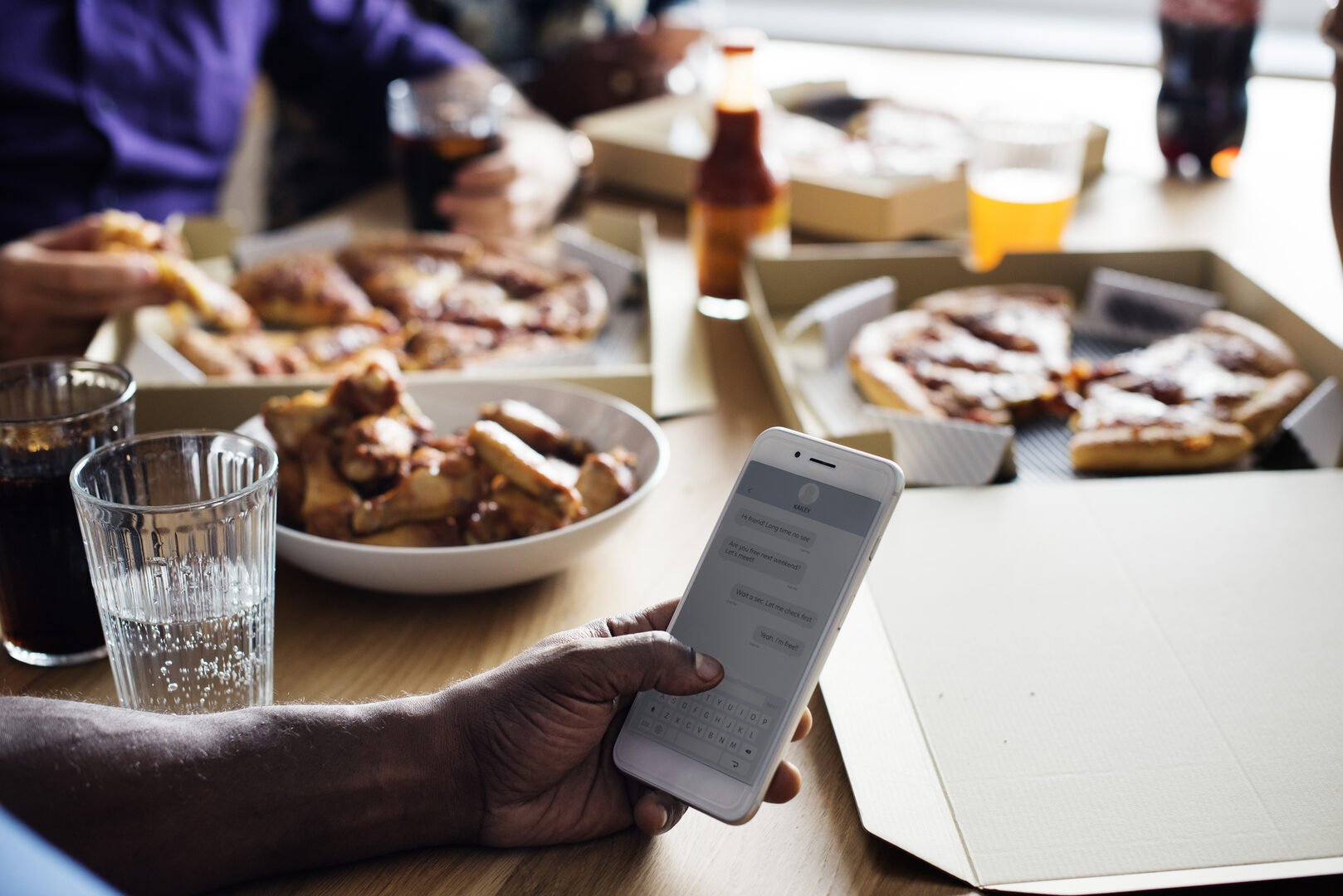
Conversational Commerce in 2026: Why Messaging Beats Traditional Checkout
The complete guide to conversational commerce. Learn why messaging-based shopping is outperforming traditional checkout and how to implement it in your store.
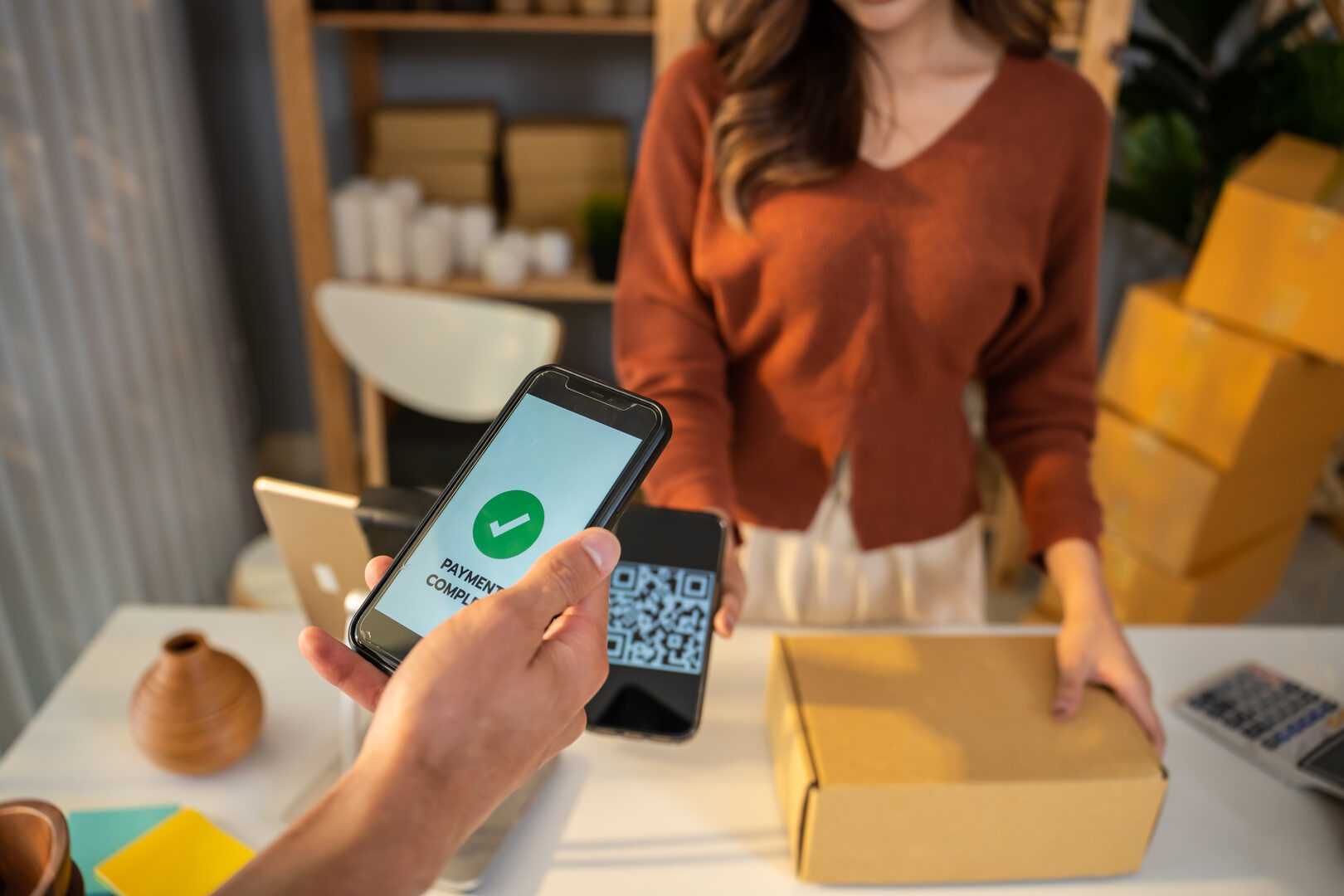
The Ultimate Guide to WhatsApp Commerce in 2026
Everything you need to know about selling through WhatsApp. This comprehensive guide covers strategy, setup, tools, and optimization for WhatsApp-powered e-commerce.

How to Build a WhatsApp-First E-Commerce Strategy for Your Store
Discover how to create a WhatsApp-first e-commerce strategy that drives engagement, builds customer loyalty, and increases sales for your online store.